How to Turn Your Website into a Fully Functional Mobile App
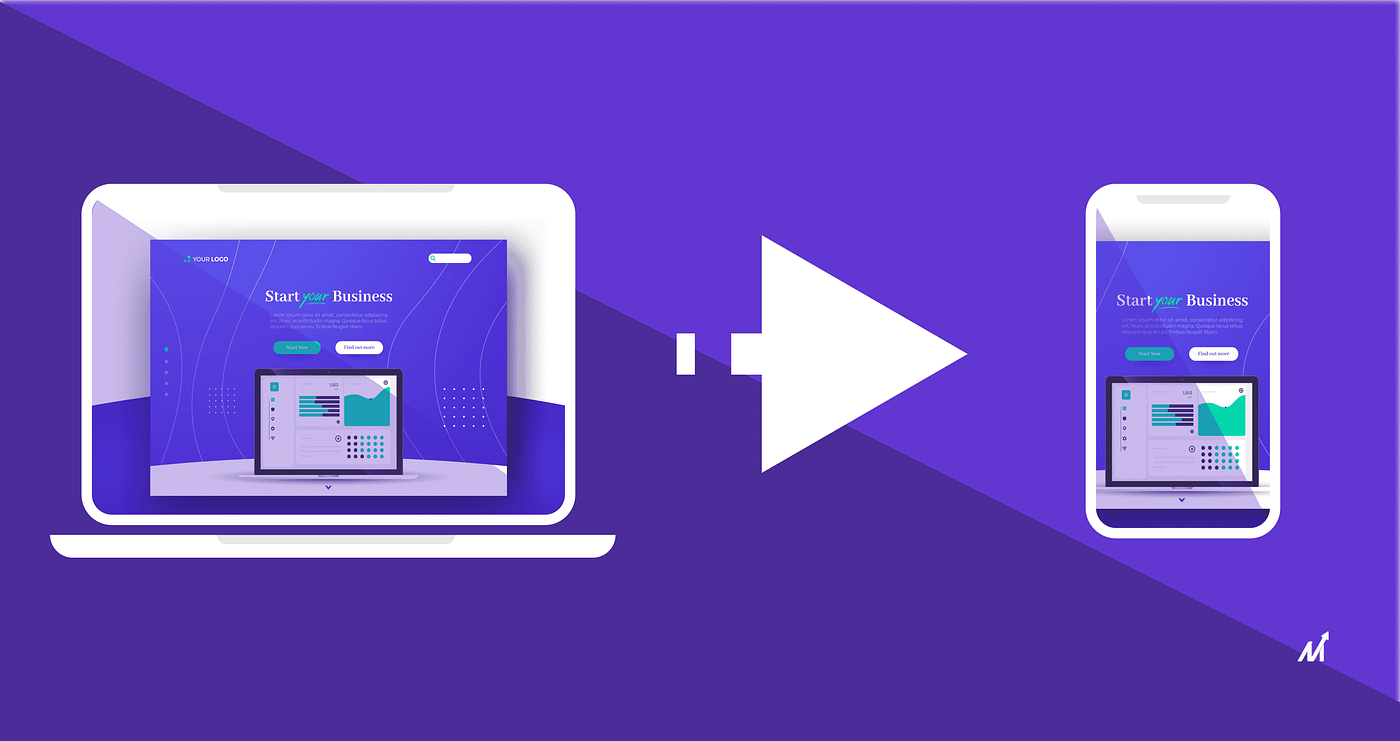
In today’s digital landscape, businesses need to reach customers wherever they are. Converting your website into a mobile app not only enhances user experience but also increases engagement and retention. This guide will walk you through the process of turning your website into a fully functional mobile app using Progressive Web App (PWA) development techniques and mobile-friendly web design best practices.
1. What is a Progressive Web App (PWA)?
A Progressive Web App (PWA) combines the best of web and mobile applications. It uses modern web technologies to deliver an app-like experience directly in the browser, without requiring users to download the app from an app store.
Key Features of PWAs:
- Responsive Design: Adapts seamlessly to any screen size.
- Offline Functionality: Works even with a poor or no internet connection.
- App-like Experience: Provides smooth animations, fast loading times, and a full-screen mode.
- Push Notifications: Keeps users engaged with timely updates.
- Installation Prompt: Allows users to “install” the app on their home screen without visiting an app store.
2. Benefits of Converting Your Website to a Mobile App
- Enhanced User Engagement: A mobile app can offer a more intuitive and engaging experience.
- Improved Performance: PWAs load faster and offer smoother transitions compared to traditional websites.
- Cost Efficiency: Converting your website into a PWA is often less expensive than developing a native app.
- Wider Reach: PWAs work across all platforms, ensuring your app reaches both Android and iOS users.
- SEO Advantages: A mobile-friendly design can boost your Google rankings and drive more organic traffic.
3. Steps to Convert Your Website into a Mobile App
Step 1: Audit and Optimize Your Website
Before conversion, ensure your website is optimized for mobile devices:
- Responsive Design: Use CSS media queries to adapt layouts for different screen sizes.
- Fast Loading Times: Optimize images, leverage browser caching, and minimize JavaScript.
- Mobile-Friendly Navigation: Simplify menus and use touch-friendly buttons.
Step 2: Implement PWA Features
Transform your website into a PWA by adding the following elements:
A. Create a Web App Manifest
The manifest is a JSON file that provides metadata about your app, such as its name, icons, theme color, and how it should behave when installed.
{
  "name": "Your Business App",
  "short_name": "BusinessApp",
  "start_url": "/",
  "display": "standalone",
  "background_color": "#ffffff",
  "theme_color": "#3498db",
  "icons": [
    {
      "src": "/icons/icon-192x192.png",
      "sizes": "192x192",
      "type": "image/png"
    },
    {
      "src": "/icons/icon-512x512.png",
      "sizes": "512x512",
      "type": "image/png"
    }
  ]
}
Include the manifest in your HTML’s <head>:
<link rel="manifest" href="/manifest.json" />
B. Set Up a Service Worker
Service workers enable offline functionality and caching. Use a tool like Workbox to simplify service worker creation.
Example using Workbox:
// service-worker.js
import { precacheAndRoute } from "workbox-precaching";

precacheAndRoute(self.__WB_MANIFEST || []);
Register the service worker in your main JavaScript file:
if ("serviceWorker" in navigator) {
  window.addEventListener("load", () => {
    navigator.serviceWorker
      .register("/service-worker.js")
      .then((registration) => {
        console.log(
          "Service Worker registered with scope:",
          registration.scope
        );
      })
      .catch((err) =>
        console.error("Service Worker registration failed:", err)
      );
  });
}
Step 3: Enhance User Experience
- Push Notifications: Use the Push API to send updates and promotions.
- Add App-like Interactions: Implement smooth animations, transitions, and full-screen modes.
- Optimize for Speed: Use lazy loading for images and components to boost performance.
Step 4: Testing and Deployment
- Test on Multiple Devices: Ensure your PWA works seamlessly on both Android and iOS devices.
- Use Lighthouse: Run audits with Google Lighthouse to check performance, accessibility, and PWA compliance.
- Deploy: Host your PWA on platforms like Netlify, Vercel, or AWS for robust performance.
4. Marketing Your Mobile App
Once your PWA is ready, encourage users to install it:
- Incentivize Installation: Offer exclusive discounts or features for app users.
- Clear Call-to-Actions: Display installation prompts using banners or pop-ups.
- Social Media Campaigns: Use targeted ads to drive app installs and engagement.
Conclusion
Converting your website into a mobile app through PWA development not only enhances user engagement but also provides a cost-effective solution that reaches users across multiple platforms. By following these steps to optimizing your site, implementing PWA features, and enhancing user experience, you can transform your web presence and stay ahead in a mobile-first world.
🚀 I’m open to collaboration on projects and work. Let’s transform ideas into digital reality.
#WebToAppConversion #PWADevelopment #MobileFriendlyWebDesign #eCommerce #DigitalTransformation #AppDevelopmentAgency